

PHP Mail
What BooleanSMTP's PHP Mail connection does, why it is not recommended for real sites, and when it is still useful.
PHP Mail leaves WordPress’s own mail delivery in place — the same mail() function it would use
without BooleanSMTP installed — and only applies the connection’s From address and From name. It
needs no host, API key, or password, so there’s nothing to gather before you add it.
Add the connection
Section titled “Add the connection”- In your WordPress admin sidebar, go to BooleanSMTP → Mailers.
- Click Add Connection and choose PHP Mail.
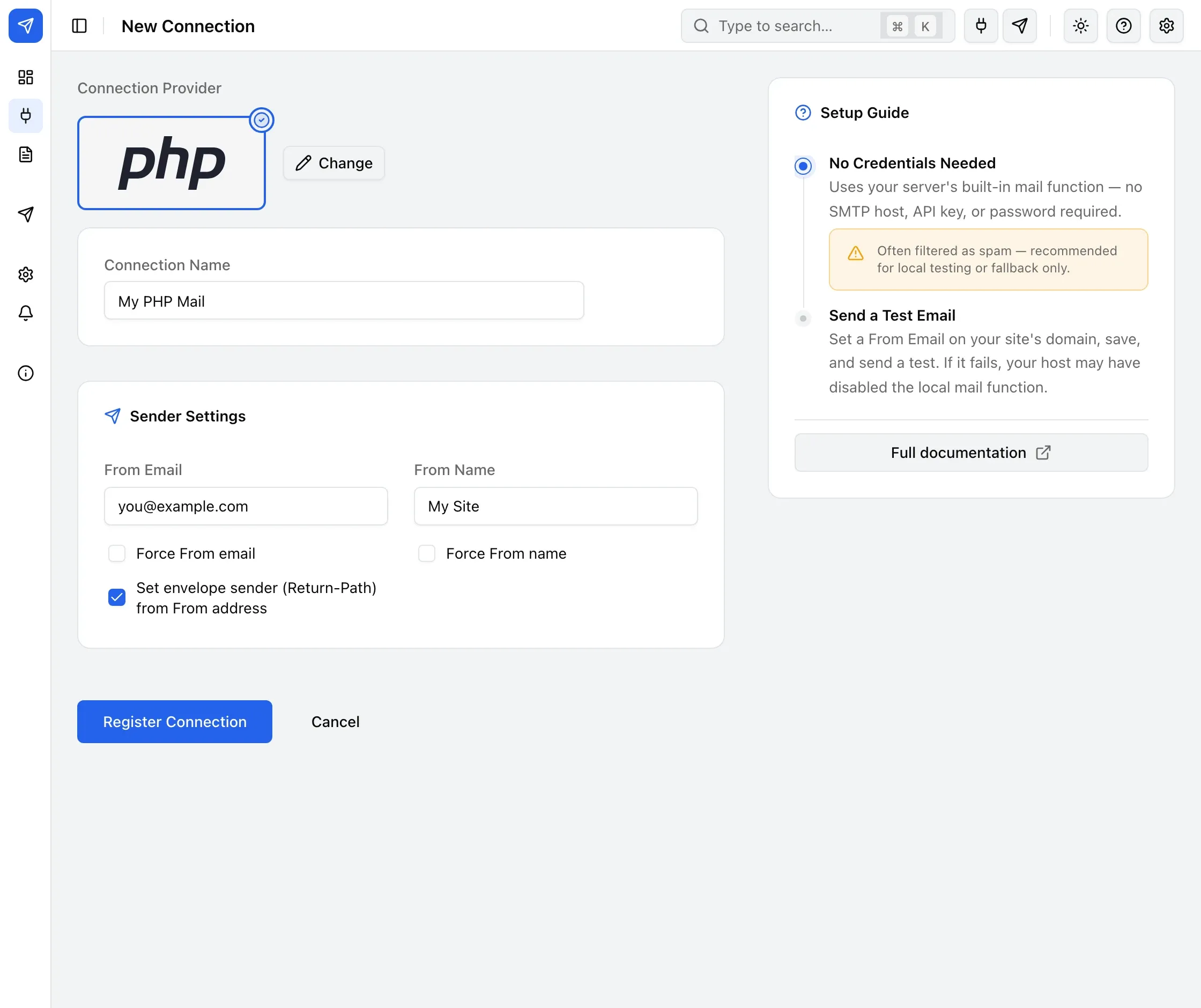
- Under Sender Settings, fill in From Email (on your site’s own domain) and From Name.
- Click Register Connection.
Send a test email
Section titled “Send a test email”Use Test Email in the sidebar to confirm the connection works — see Send a test email for the steps. A successful test only confirms your server handed the message off, not that it reached the inbox.
Common errors
Section titled “Common errors”If the test fails, your host has likely disabled the server’s local mail function — there’s no setting on this connection to fix that. Use a real provider connection instead.