

Simulation mode
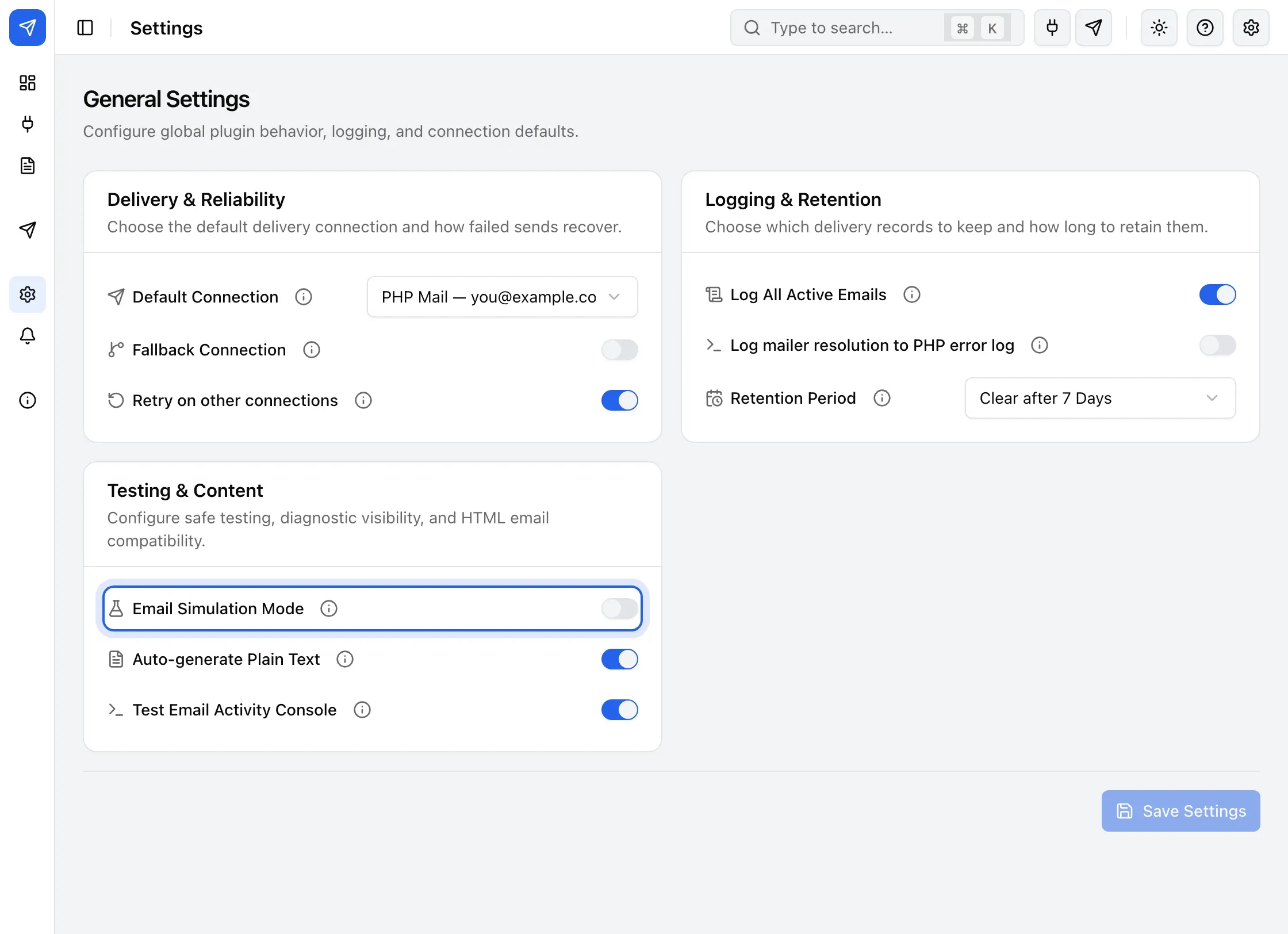
Turn on Email Simulation Mode to capture outgoing email in Email Logs instead of sending it, for testing on a local or staging site.
Use simulation mode to test your site’s email-sending flows without contacting a real provider.
Turn it on
Section titled “Turn it on”- Go to BooleanSMTP → Settings.
- Under Testing & Content, turn on Email Simulation Mode.
While it’s on, every outgoing email is recorded to Email Logs, under the Simulated tab, instead of being sent — nothing reaches a real inbox.